 Scramble
For golf courses and clubs
Every outing at your course, run the same way.
Give every group that books an outing the same sign-up page, live scoring and clubhouse board. Your staff run it from the pro shop or a phone.
Run your first event free · No credit card · No player app
How a course runs an outing
From the booking to the payout, one place.
A group books an outing
Create the event in a few minutes, or tell Looper, our AI assistant, and check what it sets up.
Send the sign-up link
Teams, waitlist, add-ons like dinner and mulligans. Or hand the event to the group's organizer.
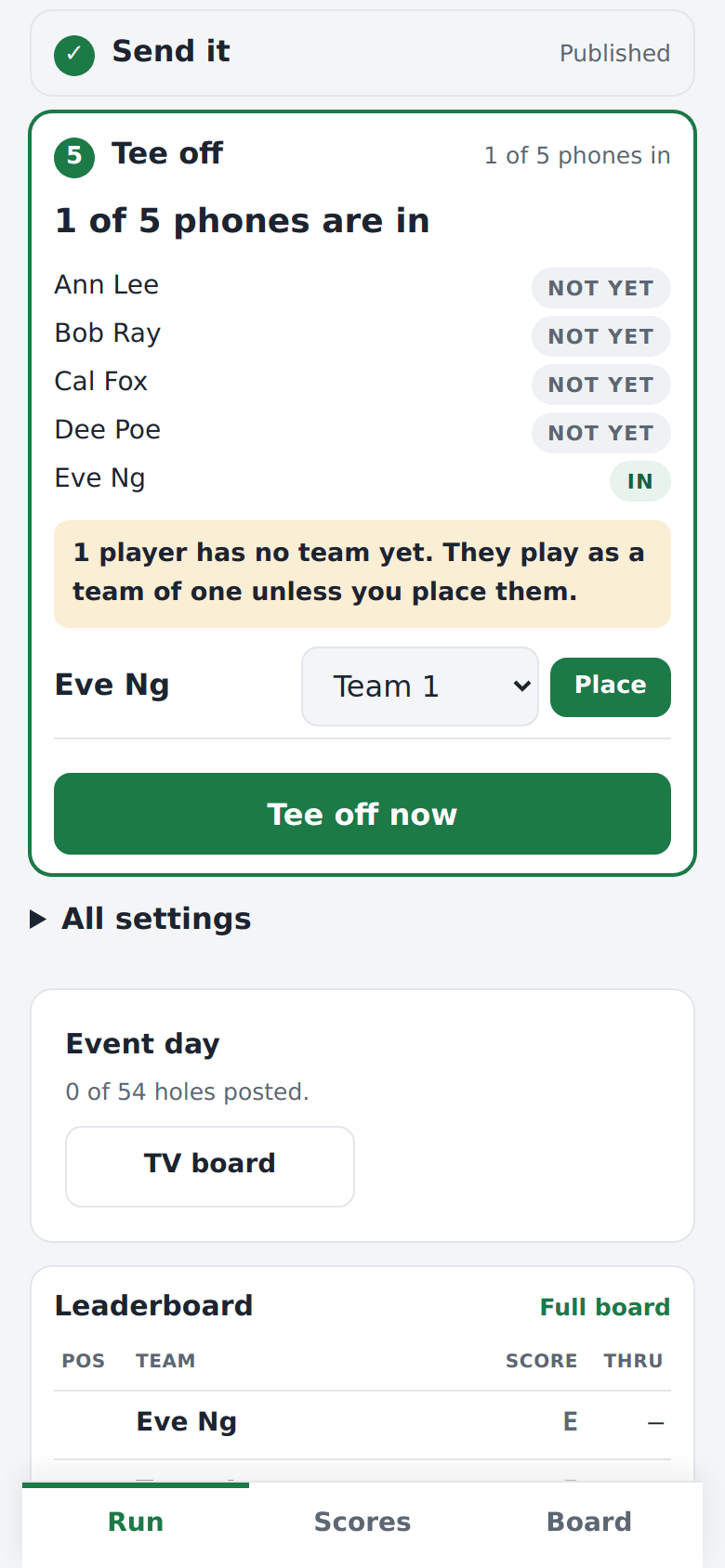
Event day
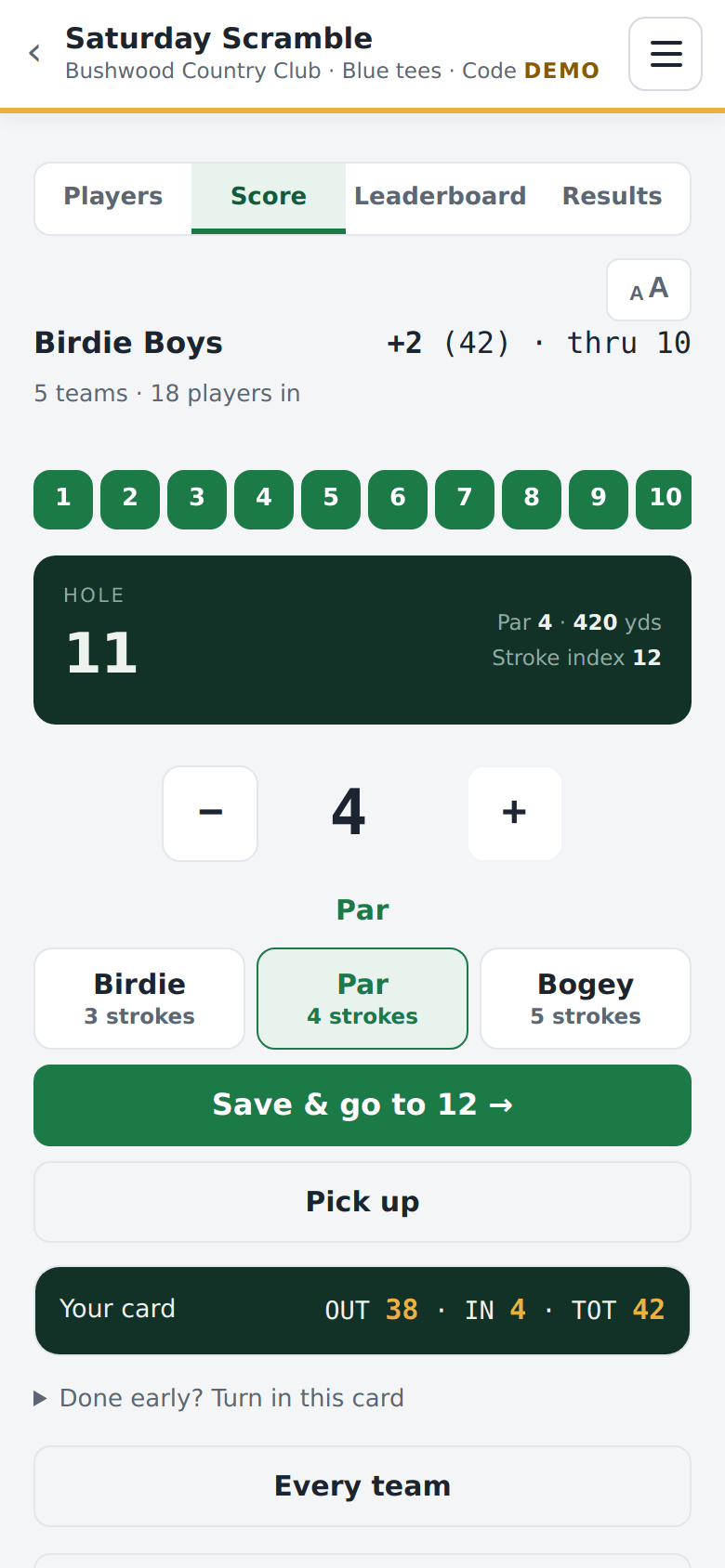
Print cart cards, players scan and score, and the board runs on the clubhouse TV.
Results and the money
Final standings, a recap message, and a payment record you can match to your books.
What Course Pro adds
Built for a full calendar.
- Unlimited outings, leagues and member events
- 5 staff seats and an event calendar
- Your course branding on every sign-up page and board
- No ScrambleBoard fee on payments. Card processing is the only fee.
- Works alongside your POS: payment records and CSV exports
- No fixed player cap
- Build an event, then hand it to the group's organizer
Built for golf seasons
Pay for the months you play.
We know winter can be long. Why pay in February with 18 inches of snow on the ground? Keep Course Pro monthly for your season and cancel when the course closes. Open all year? Yearly costs about 7 months of monthly.
$299/ month
For the months you play. Cancel any month.$1,999/ year
Open all year